Getting started
The game runs in your browser. No download, no install — a few minutes to your first steps ashore.
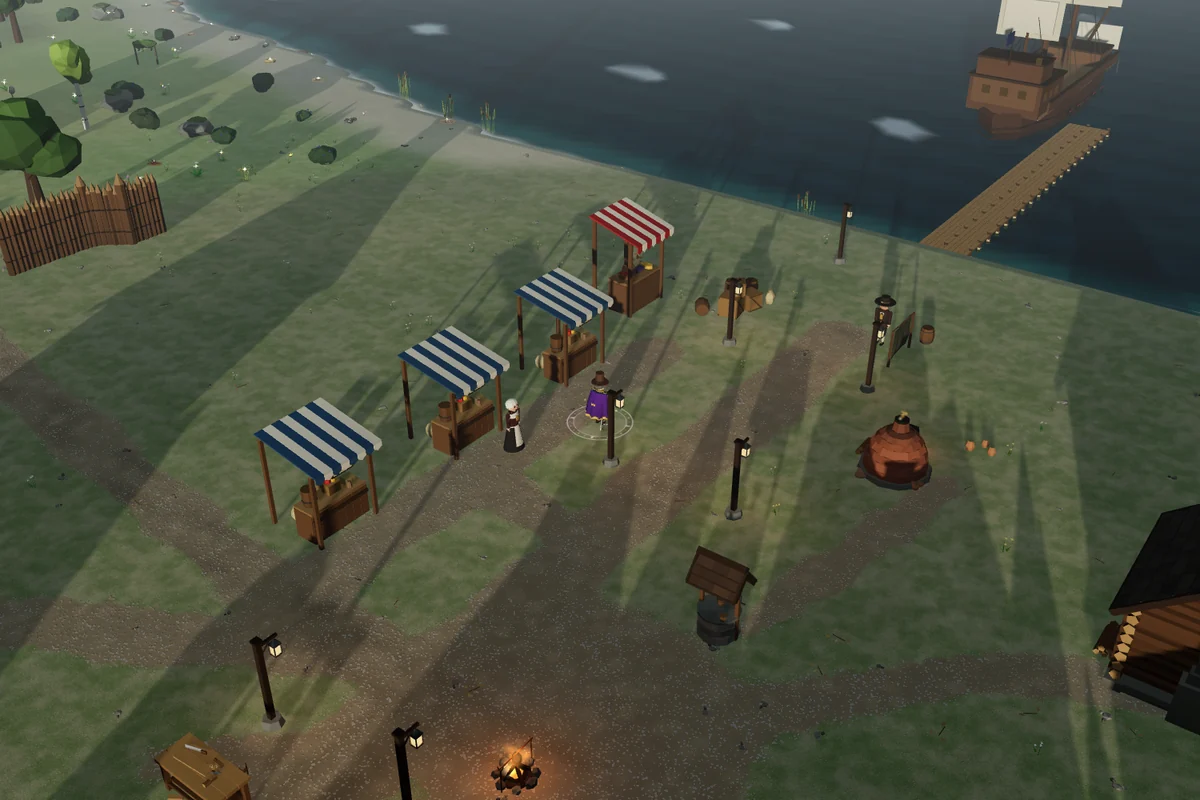
Press Play
Any modern browser on a computer or a phone.
Connect a wallet
You sign a free message to prove it is yours — never a transaction. Or play as a guest.
Make a settler
Face, hair, clothes and a name. Then Cross the sea.
Follow the Almanac
Top right. Every step has a Show me that points at the thing.
Controls at a glance
Left-clickWalk, or open a thing’s flower menu
HoldHold the left button: your settler follows the pointer
Double-clickDo a thing’s first act at once (chop, gather, open)
F SpaceThe nearest thing’s menu; again for its marked act
1–9Pick a petal of the menu
WheelZoom the camera
Q ETurn the camera
EnterTalk
IYour pack — What can I make?
CCraft — or an item’s Craft with it
BBuild: the plan shows where it can stand
R ⇧RTurn a building while you place it
GPoses and emotes
PThe Market
EscClose a window, or stop placing
F2Settings: graphics (the game never lowers them itself) and the mouse
F1Help
On a phone
TapWalk there, or open a thing’s actions
StickHold the stick at the lower left and push to walk
HandDo the nearest thing: gather, talk, open
DragTurn the camera; pinch to zoom
HoldPress and hold a thing for all its actions
MoreEvery window, from the bar at the bottom
BuildTap where it should stand, turn it with ↺ ↻, then Build here